What Is Ransomware? Definition, Types, And How To Protect Yourself.

📌 What is Ransomware?
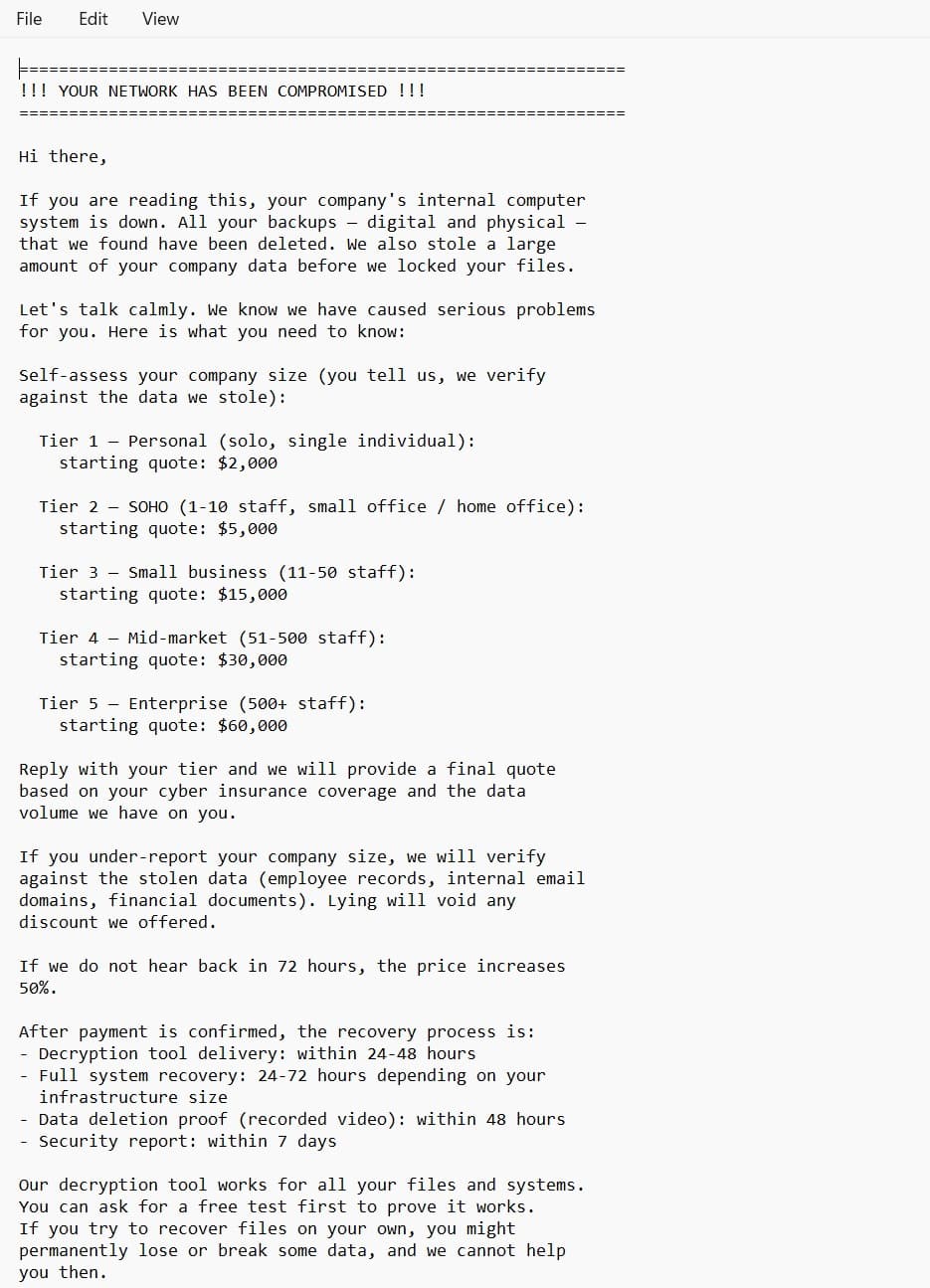
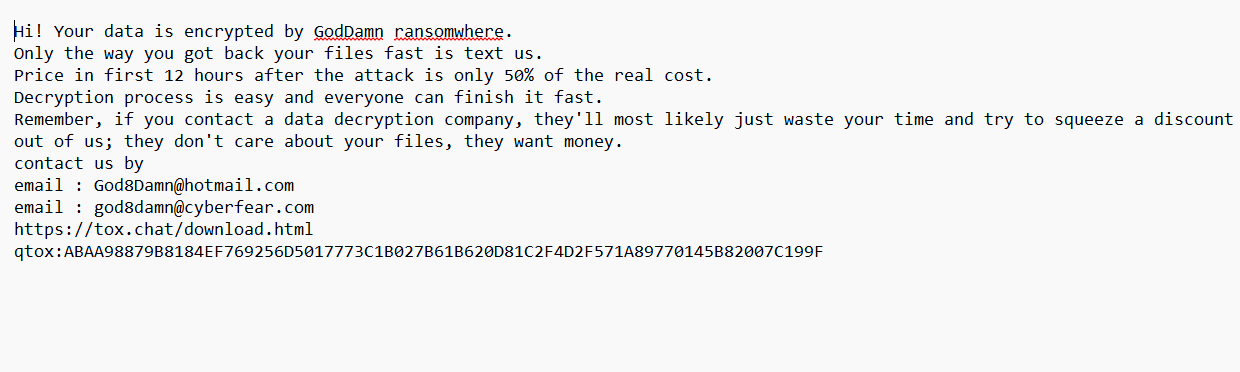
Ransomware is a type of malware designed to lock or encrypt data on a computer/phone, making it inaccessible. Attackers then demand a ransom, usually in cryptocurrency (e.g., Bitcoin), in exchange for restoring access.
In short: ransomware holds your data hostage until you pay.
📌 Types of Ransomware
-
Crypto Ransomware
-
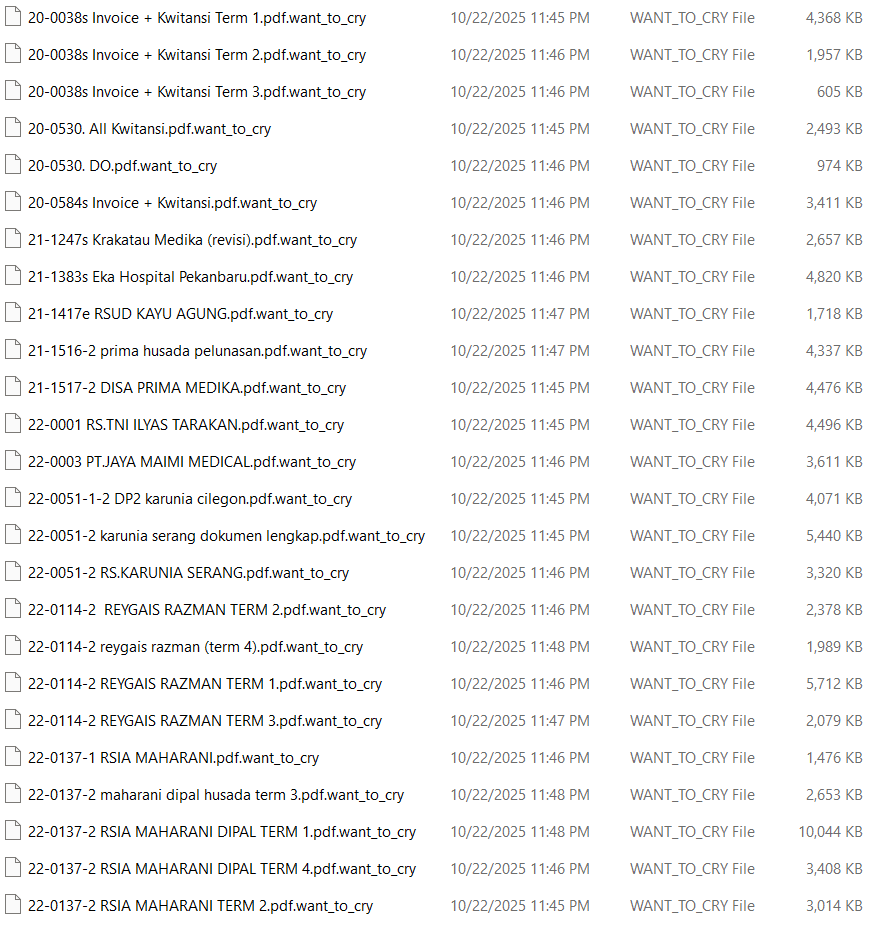
Encrypts files (documents, photos, databases, etc.).
-
The device is still usable, but files cannot be opened.
-
Example: WannaCry, CryptoLocker.
-
-
Locker Ransomware
-
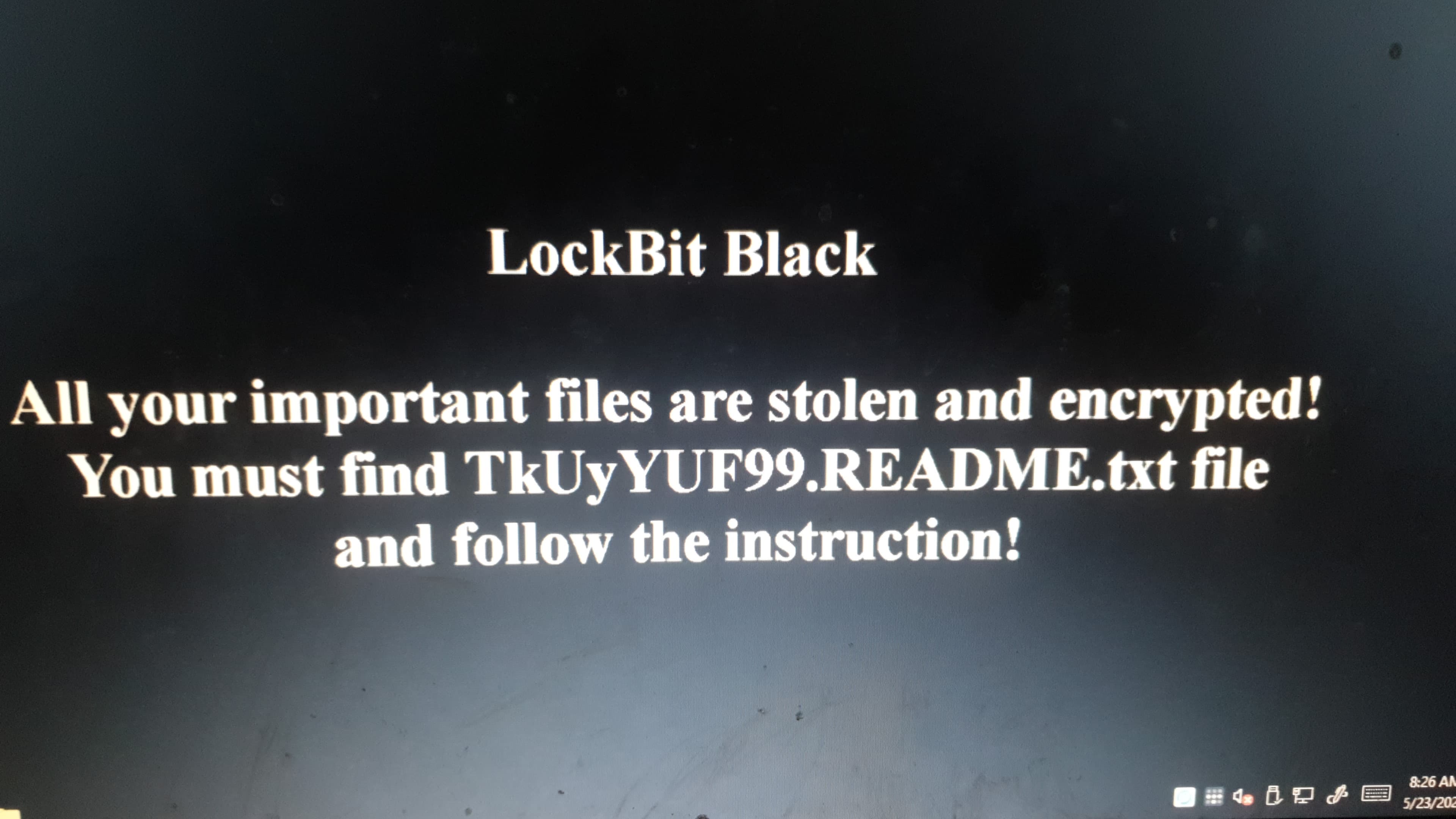
Locks the entire system or device.
-
Prevents access to desktop, apps, or the operating system.
-
Usually displays a ransom note on the screen.
-
-
Scareware
-
Disguises as fake security software.
-
Shows fake alerts claiming the device is infected, asking for payment to “fix” it.
-
-
Ransomware as a Service (RaaS)
-
A business model in the dark web where ransomware is rented out.
-
Enables attackers with little technical skill to launch attacks.
-
-
Doxware / Leakware
-
Threatens to leak sensitive data publicly if the ransom is not paid.
-
📌 How to Protect Yourself from Ransomware
-
Regular Data Backup
-
Store copies of important data on external drives or cloud storage.
-
Keep backups disconnected from the main device.
-
-
Use Reliable Antivirus & Firewall
-
Always keep security software up-to-date.
-
Use anti-ransomware features if available.
-
-
Keep Systems & Software Updated
-
Many ransomware attacks exploit security vulnerabilities.
-
Update Windows, macOS, Linux, applications, and browsers.
-
-
Beware of Suspicious Emails & Links (Phishing)
-
Do not click unknown links or attachments.
-
Double-check the sender’s address and content.
-
-
Strong Passwords & Multi-Factor Authentication (MFA)
-
To prevent unauthorized access to accounts.
-
-
Avoid Pirated / Untrusted Software
-
Many ransomware infections spread via cracked or pirated apps.
-
👉 Key point: Prevention is cheaper than paying ransom.