How to Remove Ransomware ( Step-by-Step Guide )
How to Remove Ransomware ( Step-by-Step Guide )
Learn how to remove ransomware safely with this step-by-step guide. Understand what to do, what to avoid, and how to recover your data.
How to Remove Ransomware Safely ( Step-by-Step )
Ransomware attacks can lock your files and disrupt your entire system. Acting quickly and correctly is critical to minimize damage and improve recovery chances.
This guide explains how to remove ransomware safely and what steps you should take immediately.
Important Before You Start
Before attempting anything:
- Do NOT panic
- Do NOT immediately pay the ransom
- Do NOT randomly install “free unlock tools”
Many victims make the situation worse by taking the wrong actions early.
Step 1: Isolate the Infected Device
Immediately SHUTDOWN the affected system from:
- Internet
- Local network
- External drives
--> This prevents the ransomware from:
- Spreading to other devices
- Encrypting more files
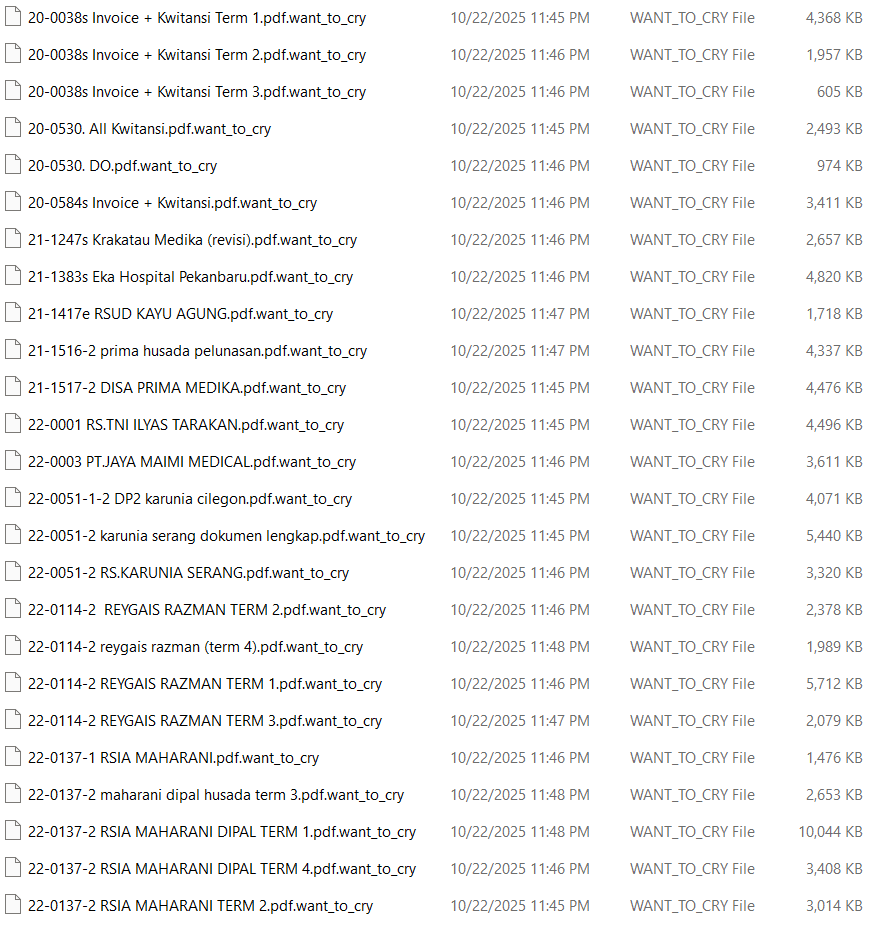
Step 2: Identify the Ransomware Type
You need to determine:
- File extension changes (e.g., .locked, .encrypted)
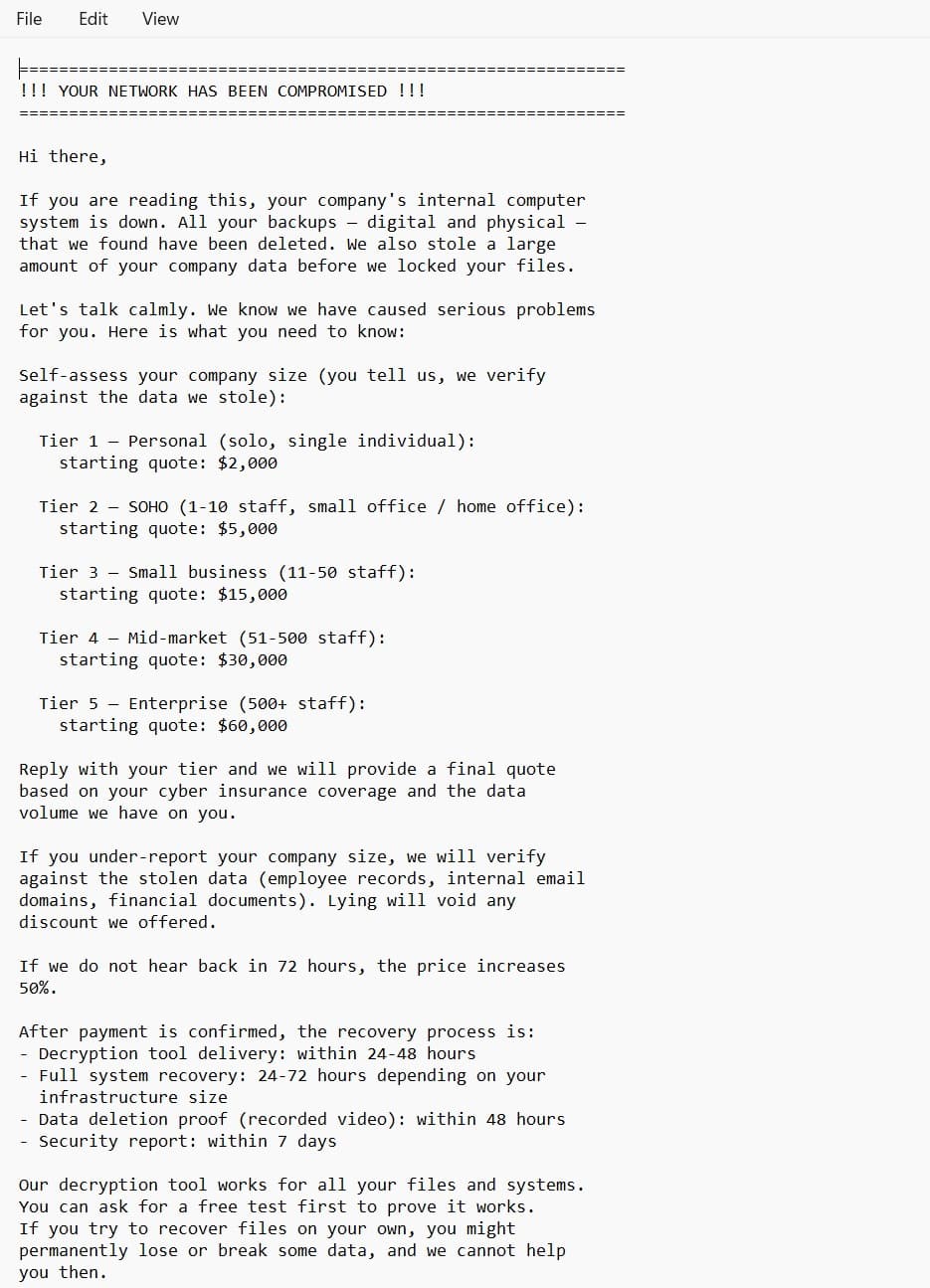
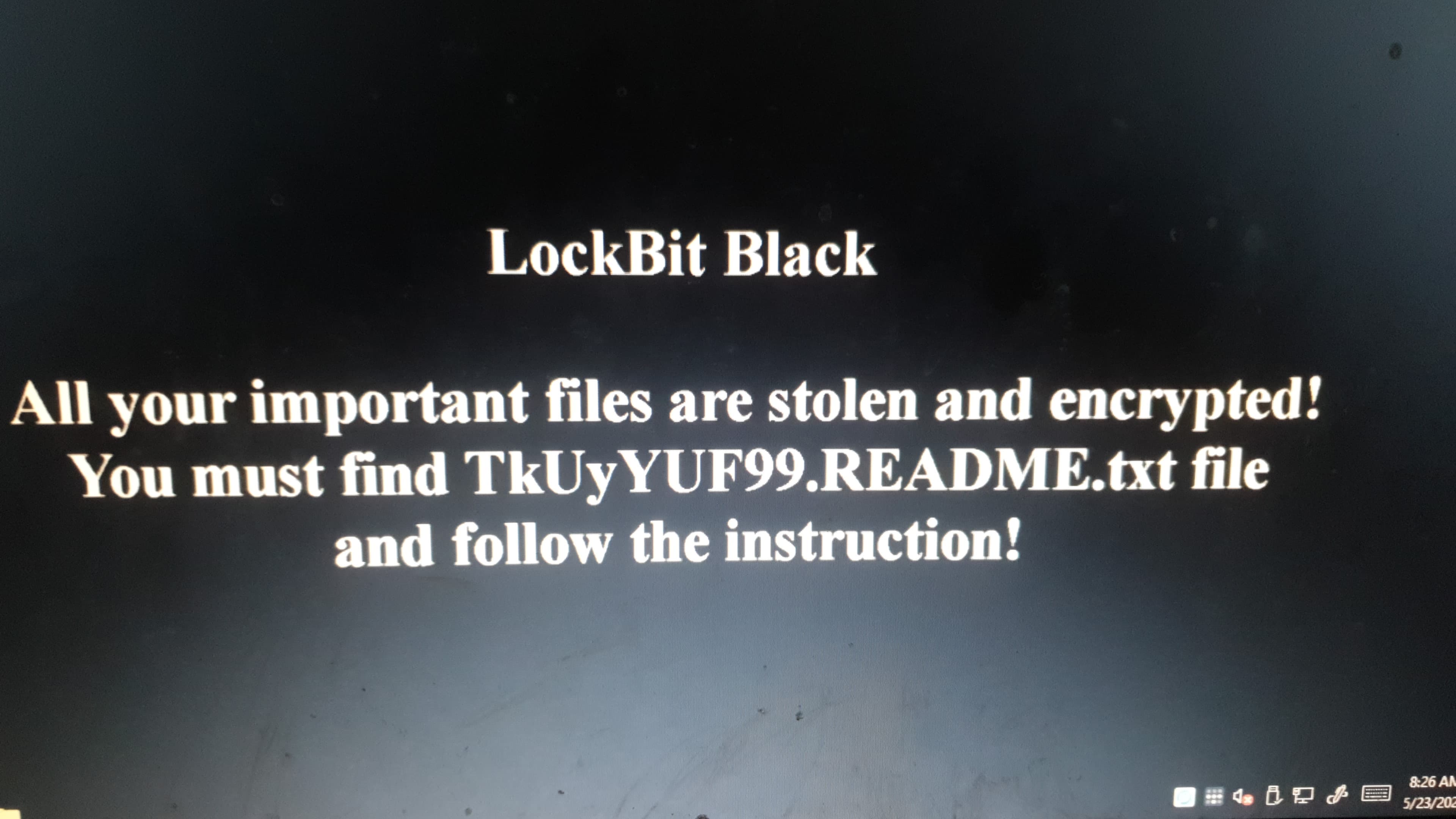
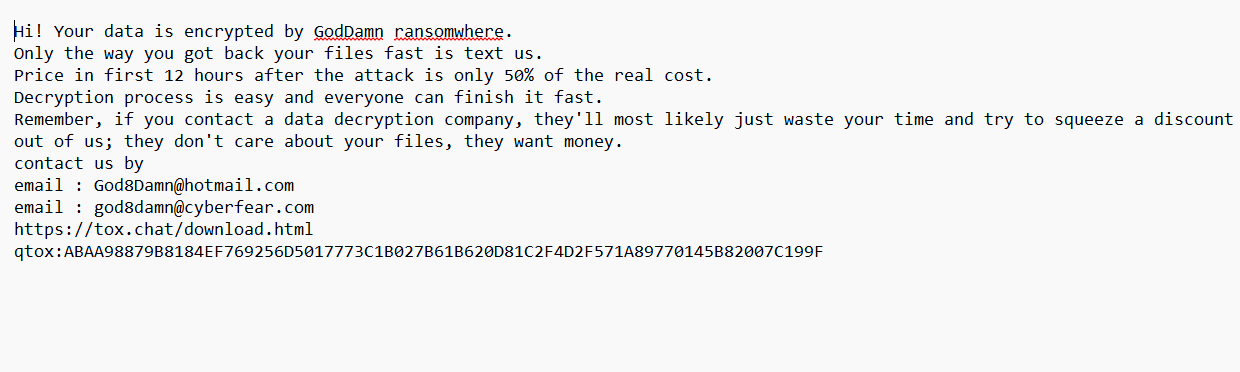
- Ransom note content
- Encryption behavior
--> Why this matters:
Different ransomware types require different recovery approaches.
Step 3: Check for Available Decryptor Tools
Some ransomware variants have free decryption tools.
Check trusted sources such as:
- Security researchers
- Antivirus vendors
--> But be careful:
- Not all tools are safe
- Fake tools can contain malware
Step 4: Remove the Malware (Without Damaging Data)
Use a trusted antivirus or security tool to :
- Detect ransomware components
- Remove active malware
--> Important :
Removing the malware does NOT automatically restore encrypted files.
Step 5: Assess Data Recovery Options
At this stage, you have several possibilities :
Option 1: Restore from Backup
- Best and safest method
- Ensure backup is clean (not infected)
Option 2: Use Decryptor (if available)
- Works only for specific ransomware types
Option 3: Professional Recovery
-
Recommended for :
- Business data
- Critical systems
- Complex ransomware
Step 6: Avoid Common Mistakes
DO NOT:
- Reinstall OS before backup
- Rename encrypted files randomly
- Trust unknown “hacker tools”
- Delay response
--> These actions can permanently destroy recovery chances.
Should You Pay the Ransom?
Paying ransom is risky because:
- No guarantee of data recovery
- You may be targeted again
- Supports cybercrime
In many cases, recovery is possible without paying.
When to Contact a Specialist
You should seek professional help if:
- Data is critical
- Ransomware type is unknown
- Internal IT cannot handle it
- Previous recovery attempts failed
How Long Does Ransomware Removal Take?
It depends on:
- System size
- Ransomware type
- Damage level
--> Simple cases: a few hours
--> Complex cases: several days
Conclusion
Removing ransomware requires:
- The right steps
- The right timing
- The right expertise
A wrong move can make recovery impossible !
Need Help Removing Ransomware?
If your system is infected:
--> Contact a ransomware recovery specialist for a safe analysis and recovery strategy. We ARE THE NO 1 INDONESIA LEADING COMPANY FOR RECOVERY RANSOMWARE SERVICES